
Управление на персонал
Правилните хора с правилния достъп
Управлението на персонал на GymApp, базирано на роли, гарантира, че вашият екип вижда точно това, от което се нуждае за работата си — и нищо, което не трябва. Собственик, Мениджър, Треньор, Рецепционист: четири роли, ясни граници.
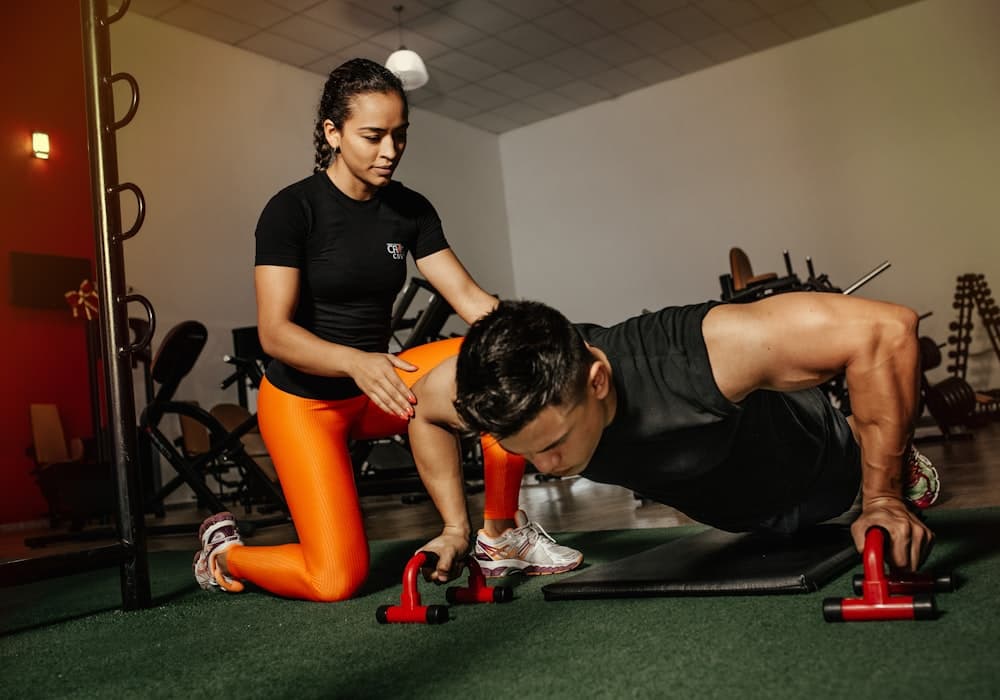
Управлявайте екипа си вътре в софтуера за залата
Спрете да споделяте таблици и да изпращате графици по съобщения. GymApp централизира ролите на персонала, разрешенията, планирането и журналите за активност, така че целият ви екип работи от една система.
Достъп на базата на роли
Четири вградени роли покриват всяка позиция във фитнес бизнес. Всяка роля идва с предварително конфигурирано ниво на достъп за съответната функция.
- Собственик: пълен достъп до всички настройки и данни
- Мениджър: оперативен достъп, без настройки за фактуриране
- Треньор: управление на занятия и бележки за членове
- Рецепционист: регистрация и функции на рецепцията
Управление на разрешения
Финна настройка на това, което всеки служител може да вижда и прави, отвъд базовата му роля. Предоставяйте конкретни разрешения без повишаване на цялата роля.
- Индивидуални промени на разрешенията за всеки служител
- Контрол на достъпа на ниво модул
- Достъп само за четене срещу за редакция по секция
- Одит журнал на разрешенията за съответствие
Планиране на графика на персонала
Назначавайте треньори на занятия и рецепционисти на смени. Персоналът вижда графика си от собствения си достъп, без достъп до пълния бизнес календар.
- Назначаване на занятия по треньор
- Планиране на смени за персонала на рецепцията
- Изглед на графика за персонала
- Управление на заместители и покриване
Проследяване на активността
Всяко действие в GymApp се записва срещу служителя, който го е извършил — обработени регистрации, добавени членове, записани плащания, написани бележки.
- Пълен журнал на действията за всеки служител
- Регистрации и транзакции, приписани на персонала
- История на влизанията и проследяване на сесиите
- Експортируема одитна пътека за съответствие

Управление на екипа, направено просто
Разрастването на екипа ви не трябва да означава увеличаване на оперативната сложност. Системата за персонал на GymApp се мащабира от самостоятелен оператор до екип с множество треньори и локации, без допълнителна конфигурация.
Незабавно въвеждане на персонал
Добавете нов служител, като въведете имейла му и изберете ролята. Те получават покана за задаване на парола и са готови за влизане с правилното ниво на достъп незабавно.
Назначаване на персонал към множество локации
Назначете персонал към една или няколко локации. Треньор, който работи в два ваши клона, вижда разписанията и членовете и за двете — и нищо от локациите, към които не е назначен.
Връзки треньор-член
Назначете клиенти за персонални тренировки на конкретни треньори. Треньорът вижда списъка си с клиенти, може да добавя бележки за сесии и да проследява напредъка — докато другите треньори виждат само своите клиенти.
Освобождаване и отнемане на достъп
Когато служител напусне, деактивирайте акаунта му незабавно. Достъпът му се отнема моментално, историческите му действия остават в одит журнала и данните му могат да бъдат прехвърлени на друг служител.
Готови ли сте да трансформирате работата на залата?
Присъединете се към зали и студиа в цяла Европа, които вече растат с GymApp. Започнете безплатно, без нужда от кредитна карта.